
- The cell phone before edition.
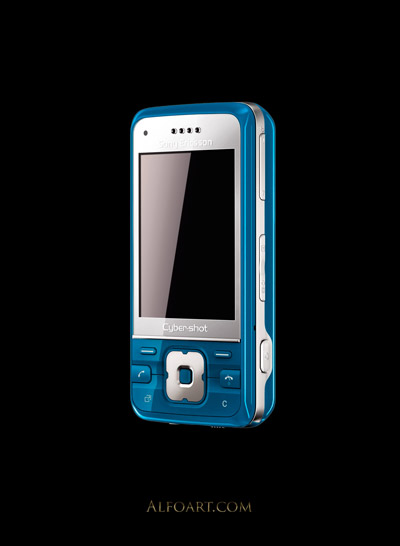
- Cut out phone silhouette from background.
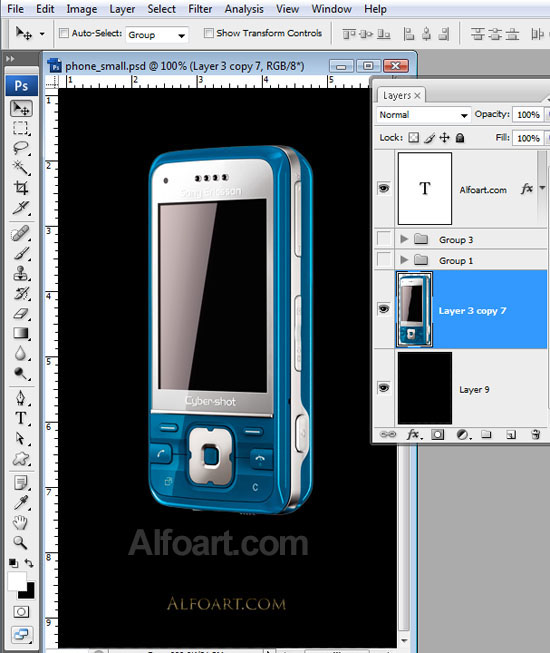
- Make picture achromatic (but keep original phone layer without background in the bottom layer, make it invisible).
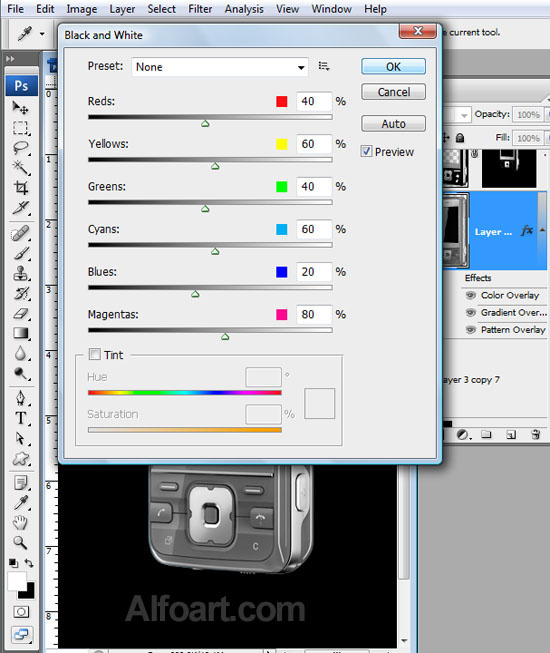
- Image > Adjustments > Black and White.

- Choose none preset. Press Ok.
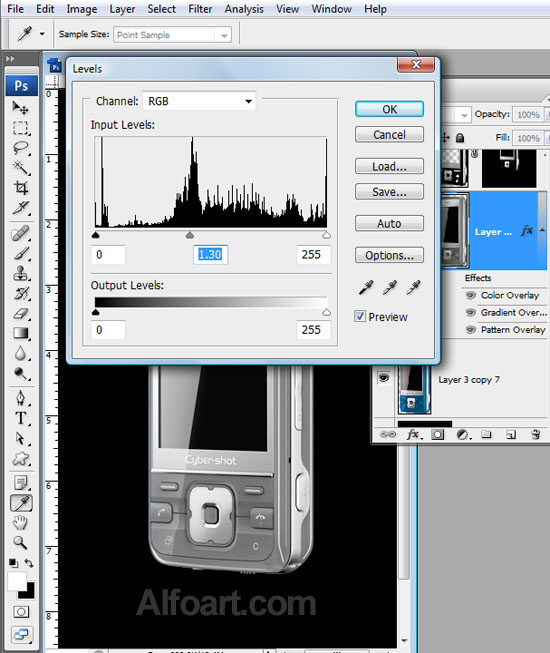
- Go to Image > Levels. Move central marker to the left a little bit.
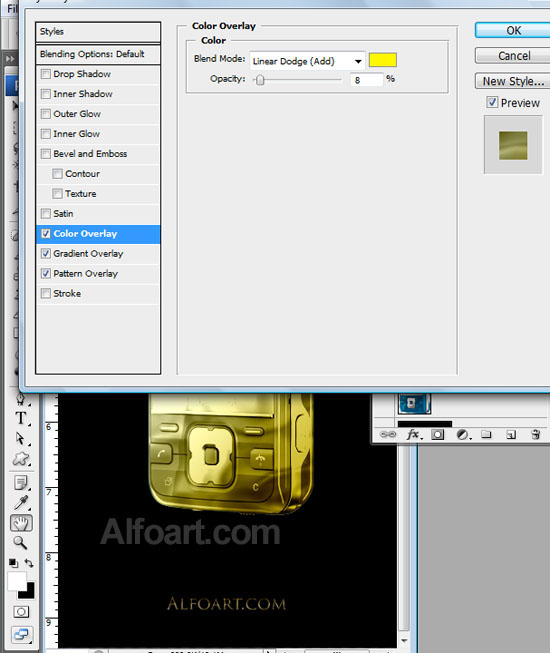
- Apply Layer Style effects to create gold effect.
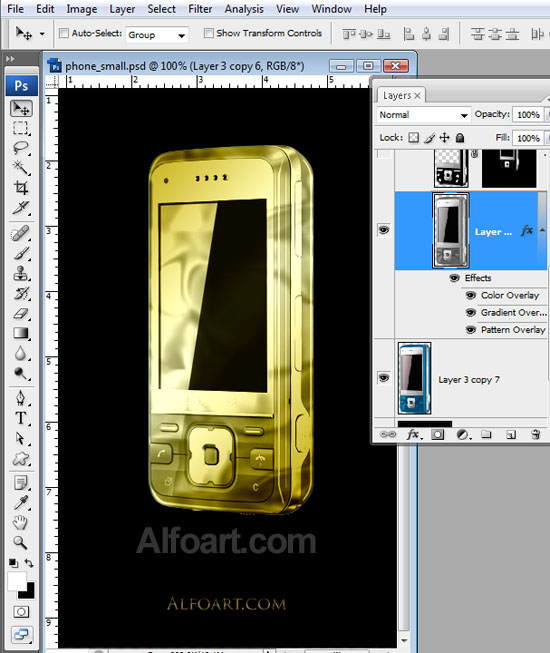
- Apply the following adjustments.

No comments:
Post a Comment